
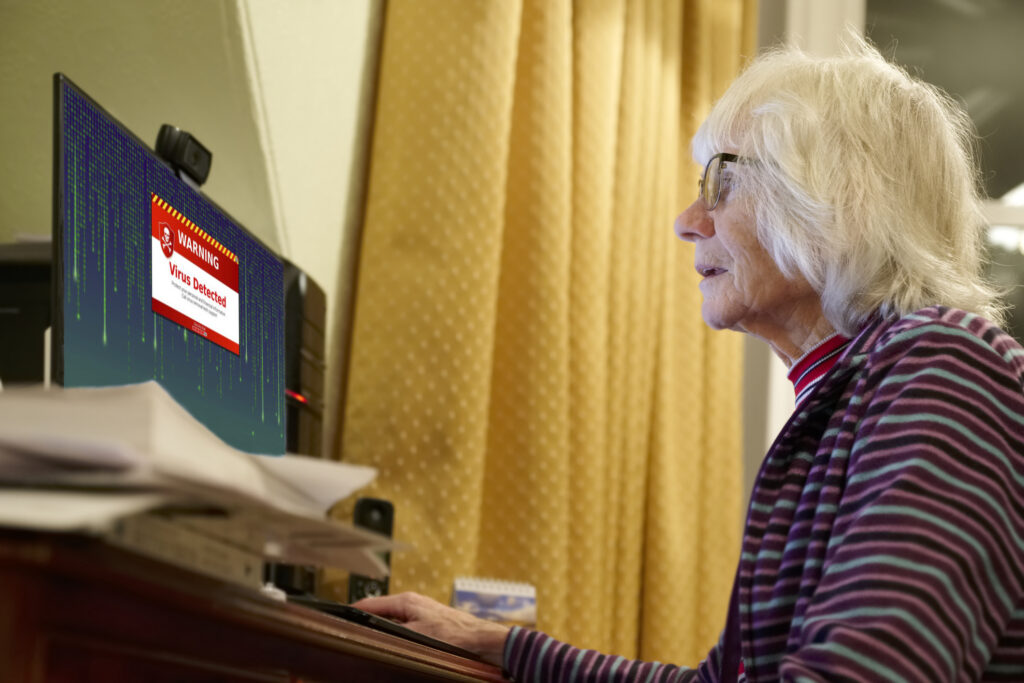
Phishing and tech support scams are on the rise, and they are designed to trick you into giving scammers access to your computer or personal accounts. Staying alert can help protect you!
 Suspicious Links & Attachments
Never click on links or open attachments in emails or text messages unless you are absolutely sure who sent them and you were expecting the message. Even if it looks like it’s from Amazon, your bank, or another trusted company— it could be fake.
 The Fake “Virus” Pop-Up
If a pop-up suddenly appears on your computer claiming it found a virus and tells you to call a number for “tech support,” do not call.
 Shut down your computer and contact a trusted technician (or the ARC’s IT resource, if available).
 Real companies like Microsoft will never warn you this way.
 Never Share Verification Codes
Banks, credit card companies, and social media sites may send you a one-time verification code to log in. NEVER share this code with anyone who calls or texts you. If they ask for it, they are trying to hack your account.
 Remember: Don’t click. Don’t call. Don’t share.
If something doesn’t feel right, stop and ask a trusted person for help.